Set coordinates
Coordinate setting and file application essential for driving
The same applies when using the GUI.
Setting waypoints

start inside catkin_ws/src
navi_waypoint > config
Create the desired waypoint file or modify the existing file coordinates and change the name in ZBMRGS.py
name can be added, trajectories(using names in combination) can be added
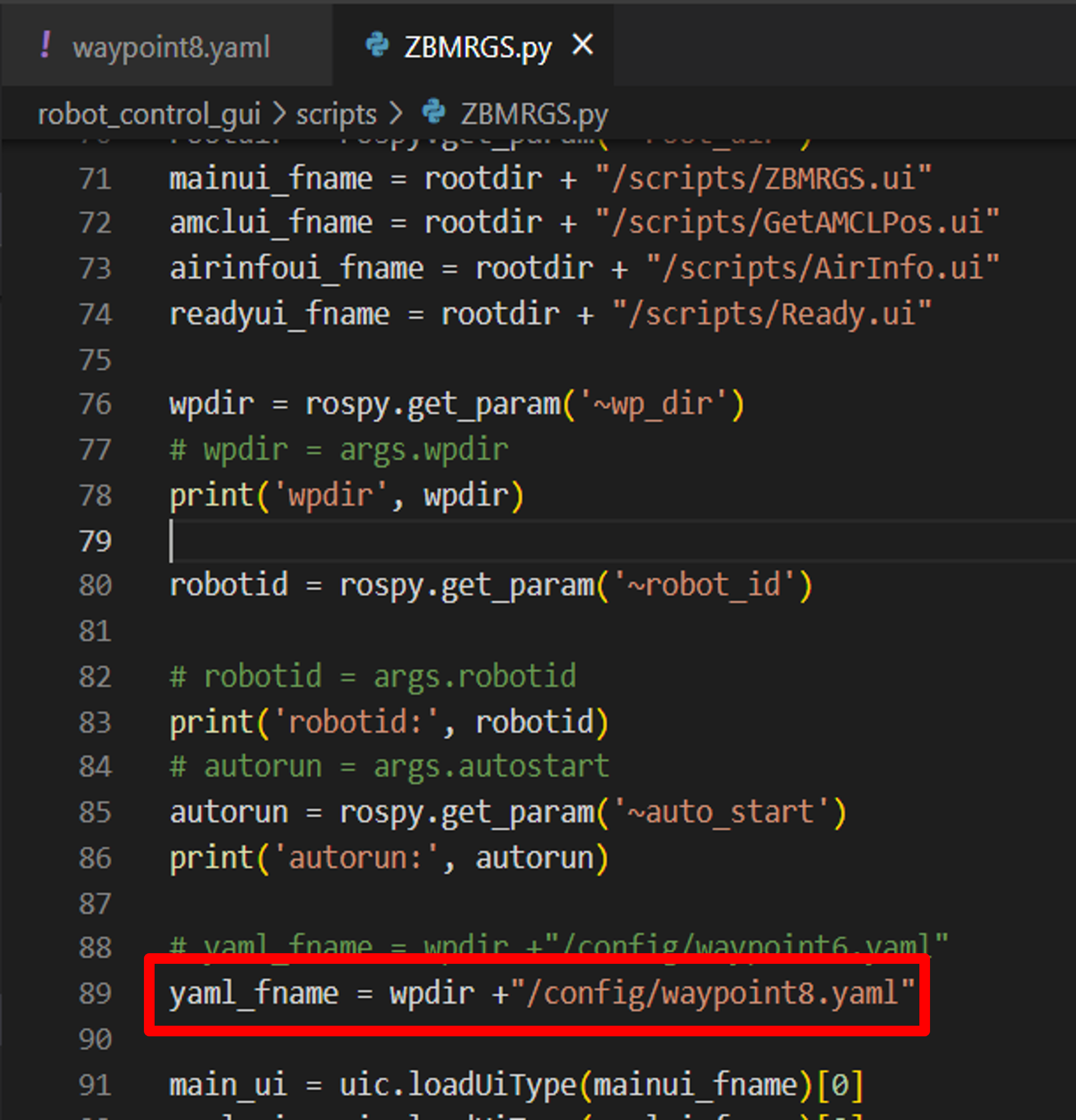
robot_control_gui > scripts > ZBMRGS.py (pm2 사용 시 ZBMRCS.py)
It can be changed by changing the waypoint8.yaml file name to the file name in which the desired driving coordinates are set.
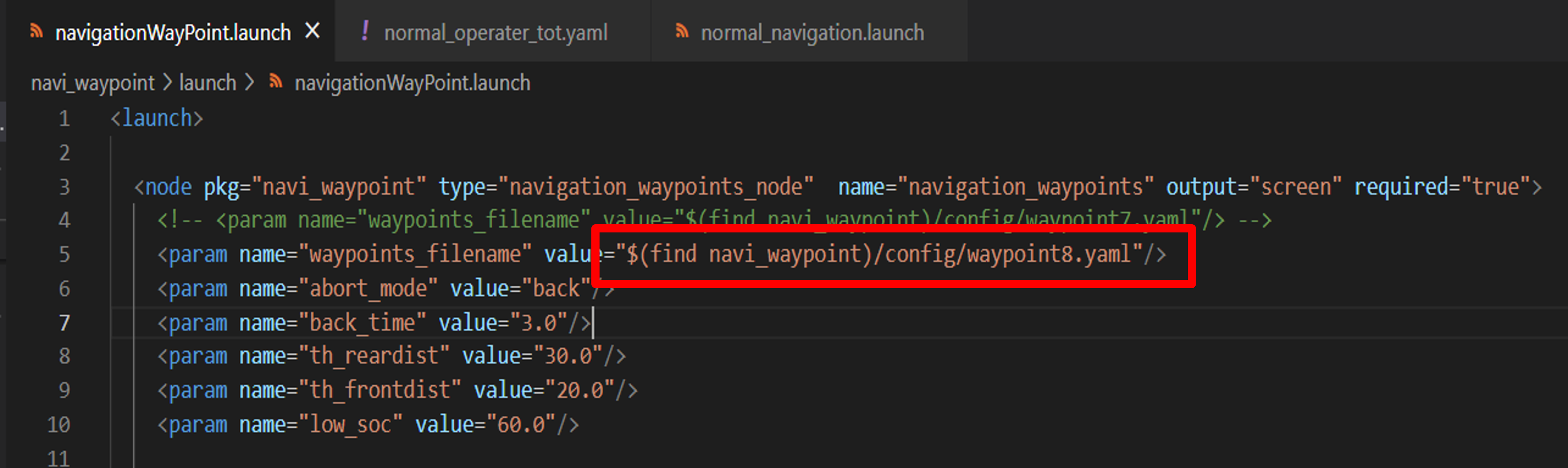
navi_waypoint > launch > navigationWayPoint.launch
Modify the desired file
Map change
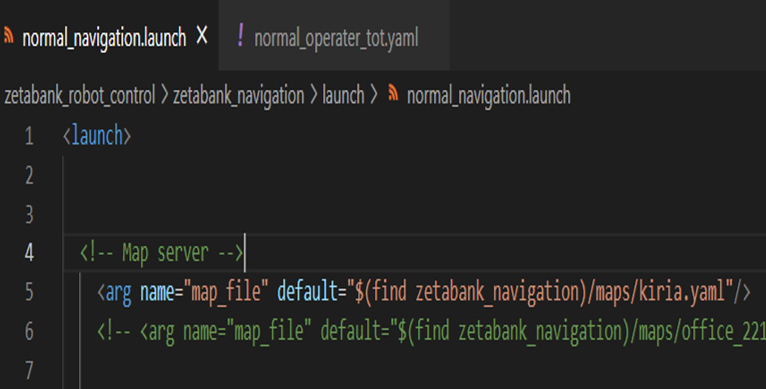
zetabank_robot_control > zetabank_navigation > launch > normal_navigation.launch
Change the yaml file to the name of your map
Set charging position
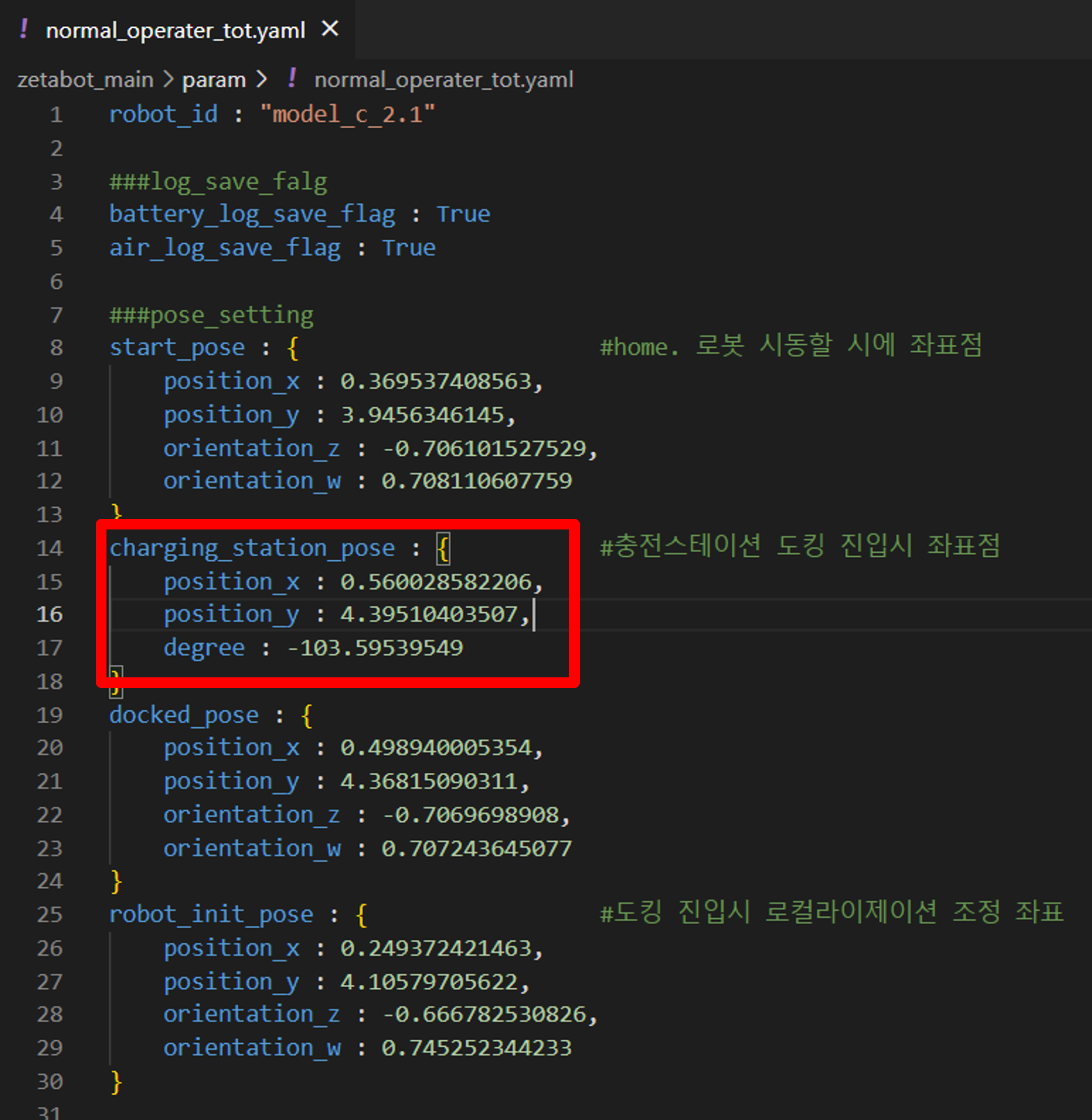
zetabot_main > param > normal_operater.tot.yaml
Change charging_station_pose
Note that the coordinates of the robot standing in front of the charger are not the location of the charging station.
Coordinates on rviz before charging
Set start pose
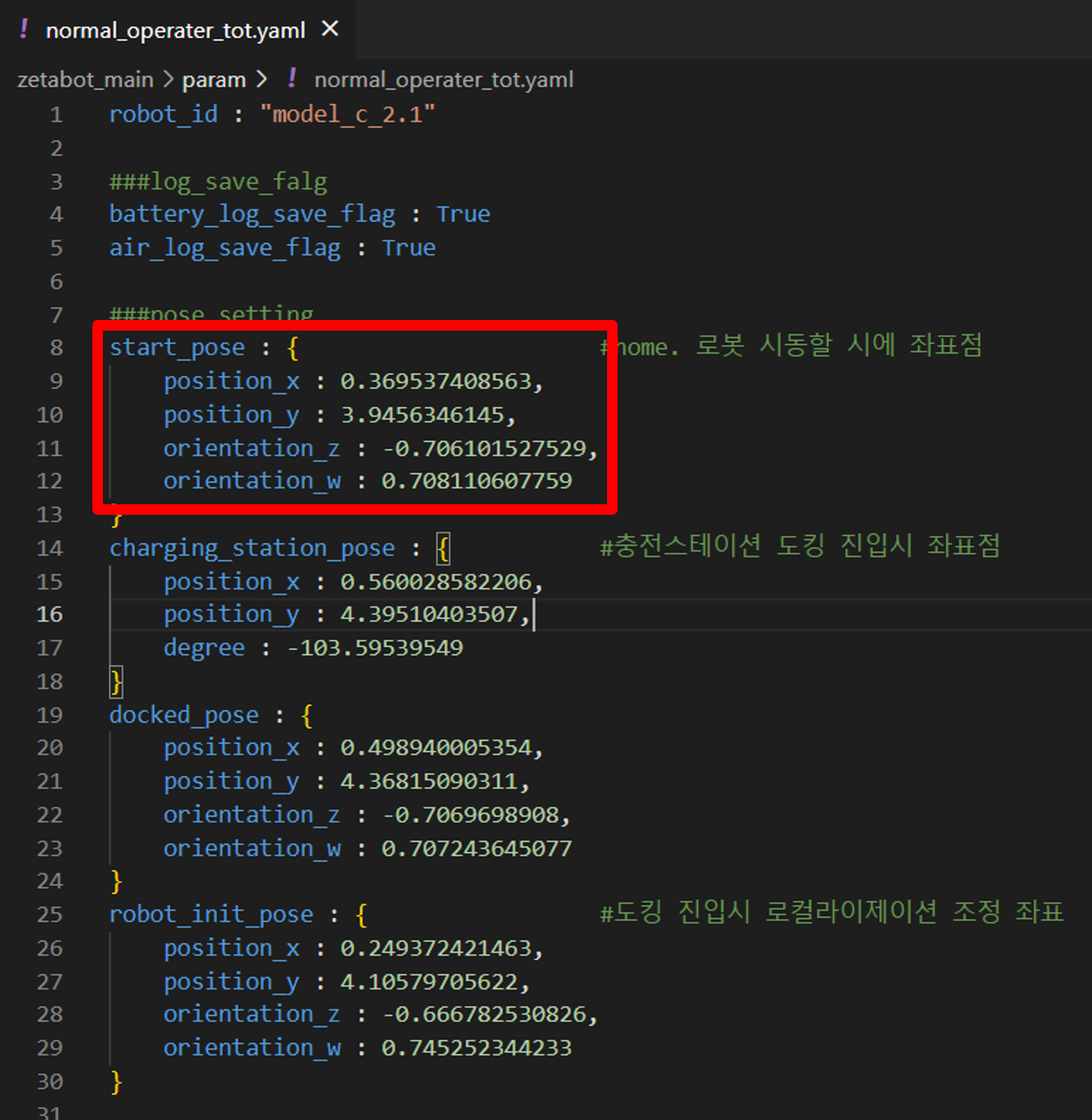
Robot start position on rviz
If you start with the robot in this position in the field, you can start with the lidar and map matched when starting rviz.
Set robot init pose
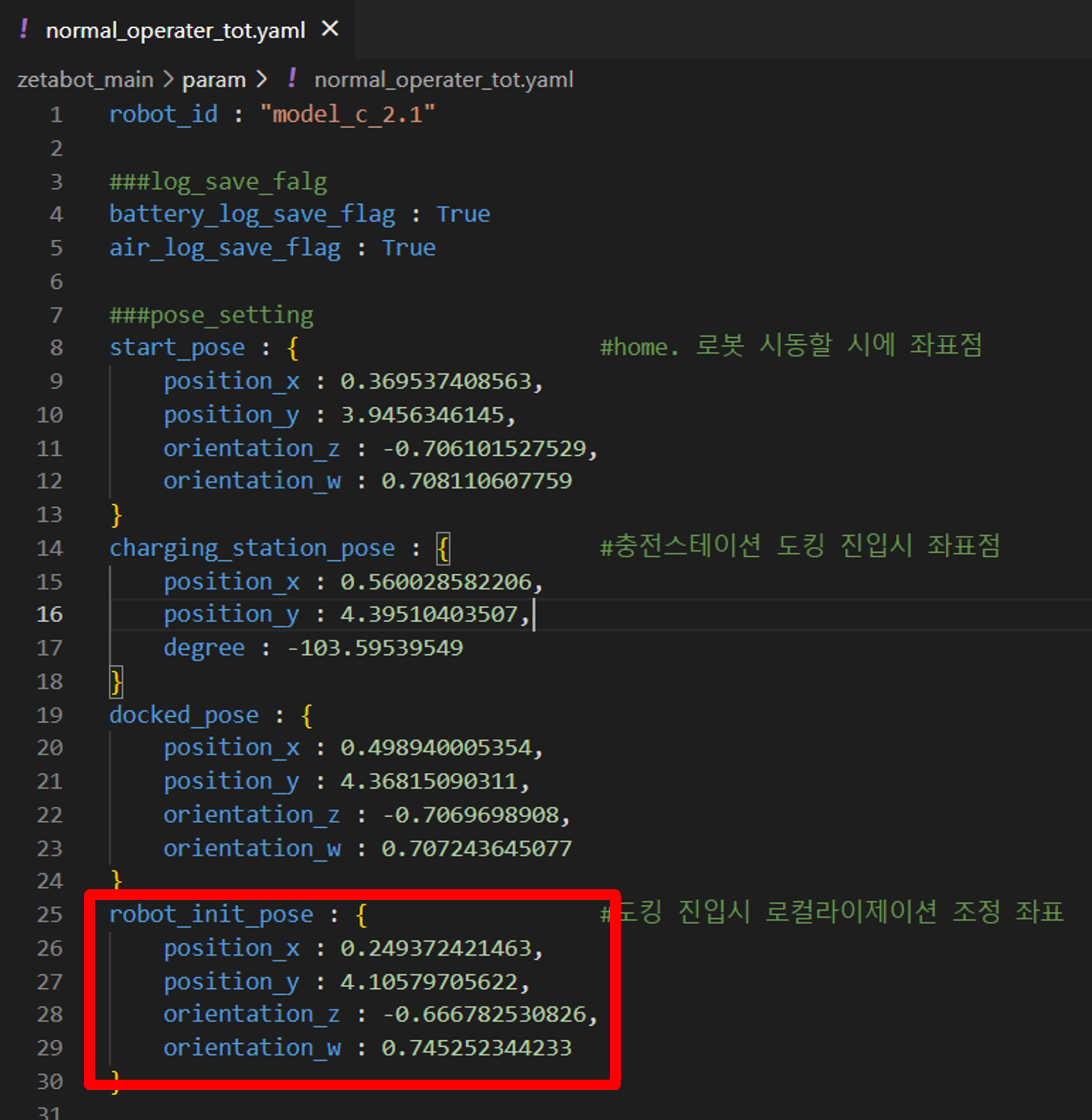
Coordinates immediately after the robot comes out of the charging station after charging
Resetting the coordinates to drive after charging
To match the lidar of the map and the robot