Navigate Way Points
Driving by selecting a pre-registered waypoint from the drop-down menu
For illustrative purposes, the coordinates are given as name1, name2, and name3.
Go to name3 coordinates
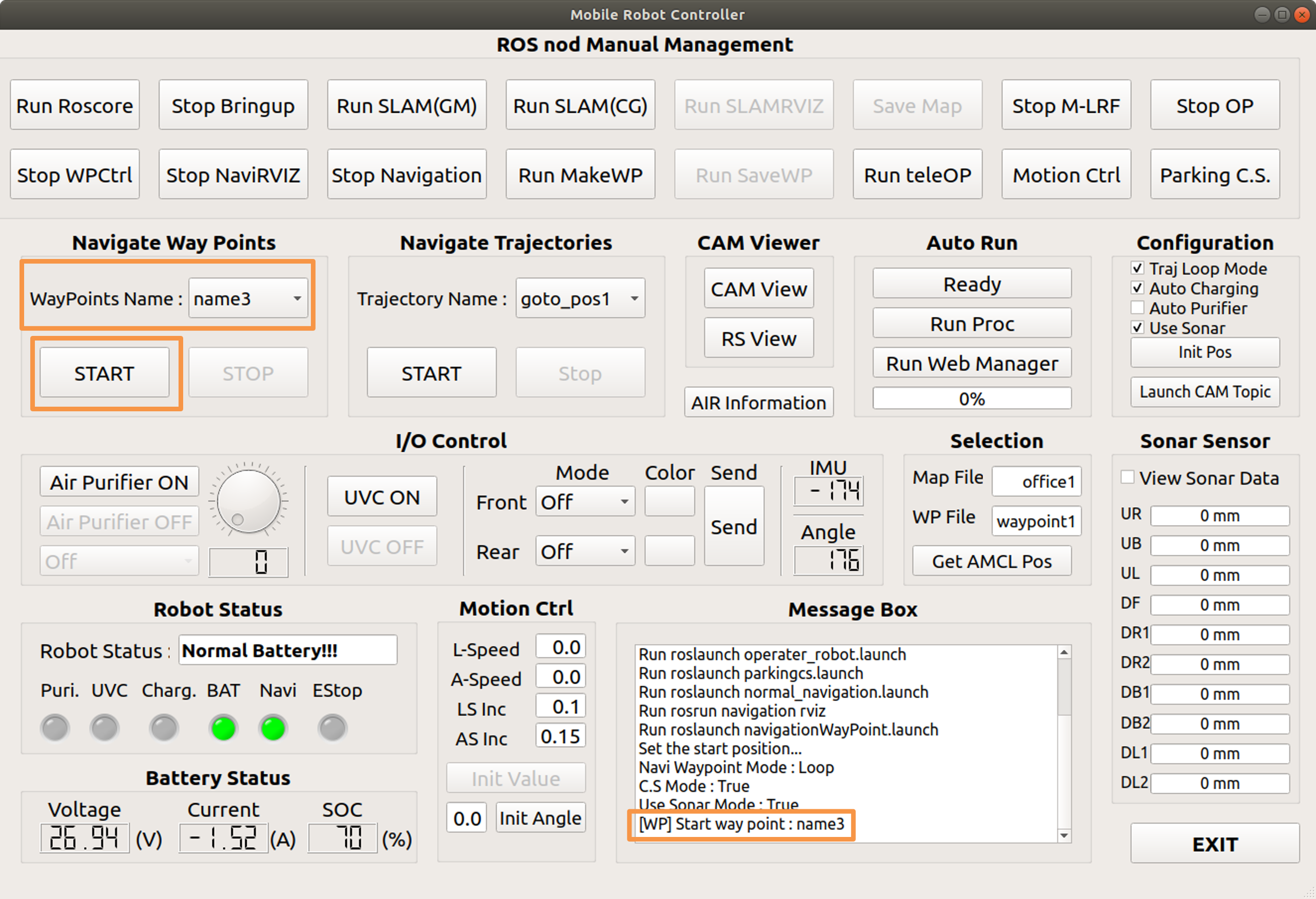
After selecting name3, press the start button. The start button is disabled, and the stop button is enabled.
When you arrive at your destination, the start button is enabled and the stop button is disabled.
It is displayed in the message box.
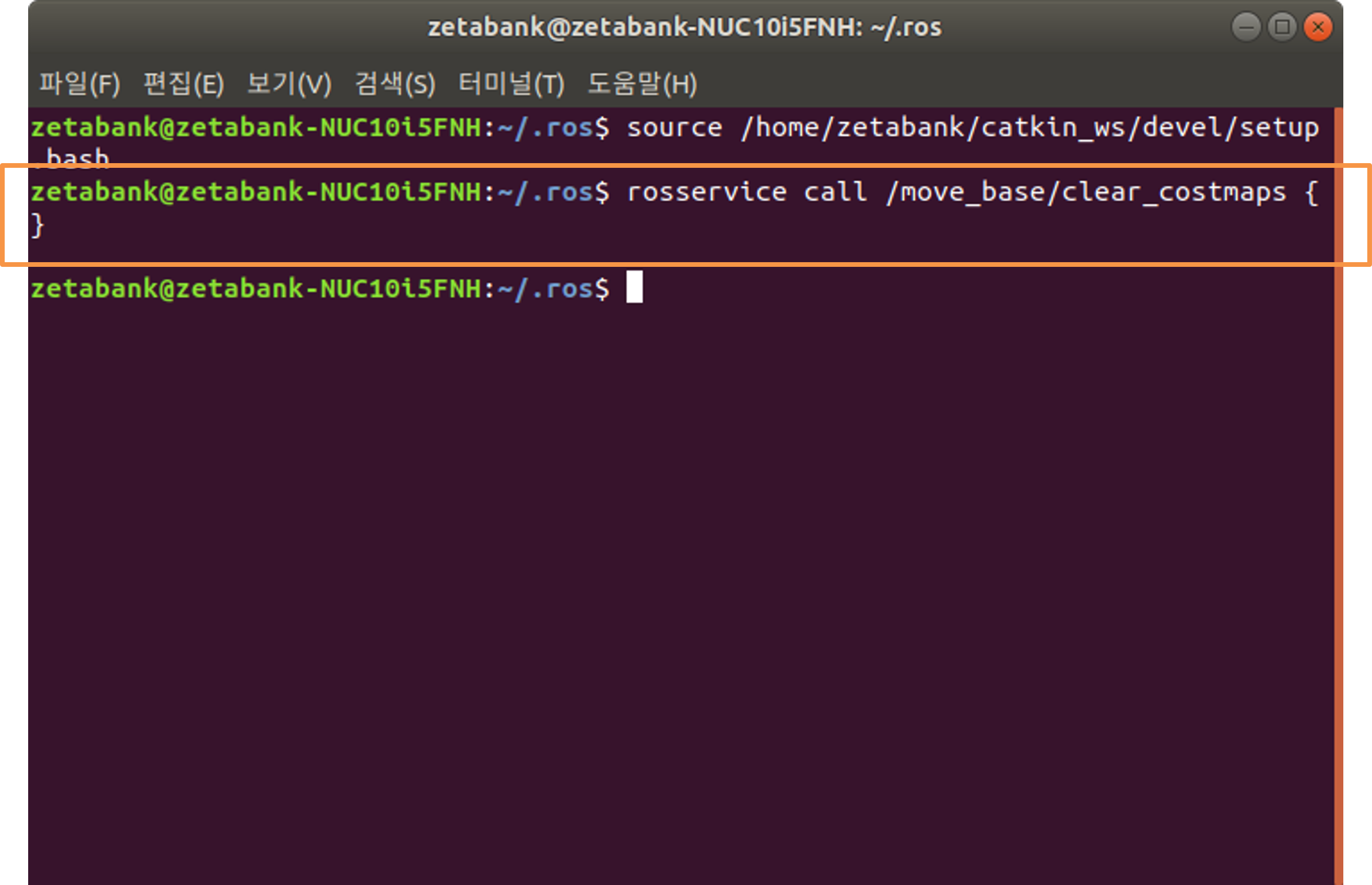
A command is automatically entered and executed in the terminal, and this command serves to clear the costmaps.
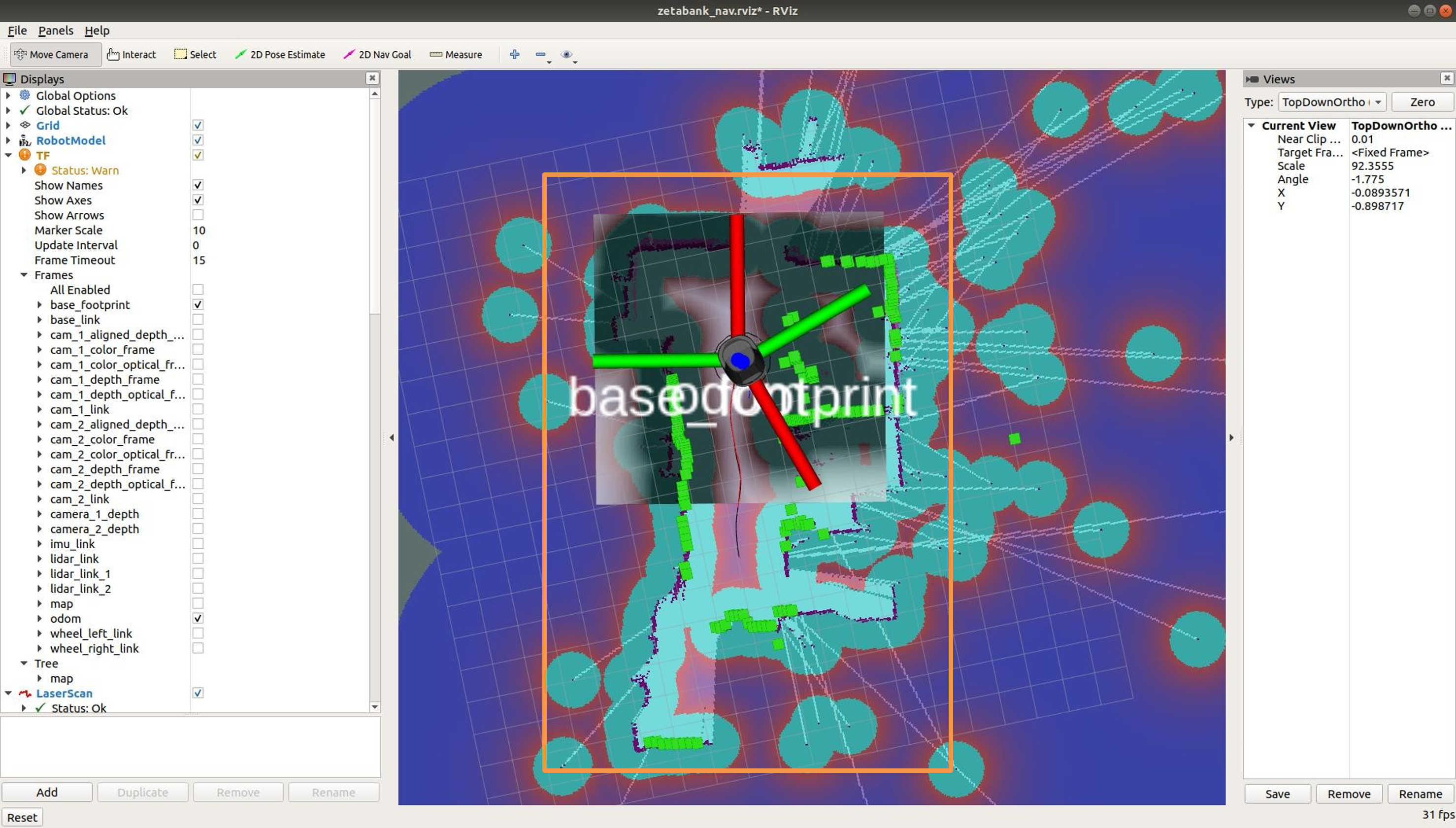
When costmap is cleared, it moves to name3 coordinates.
Go to name1 coordinates
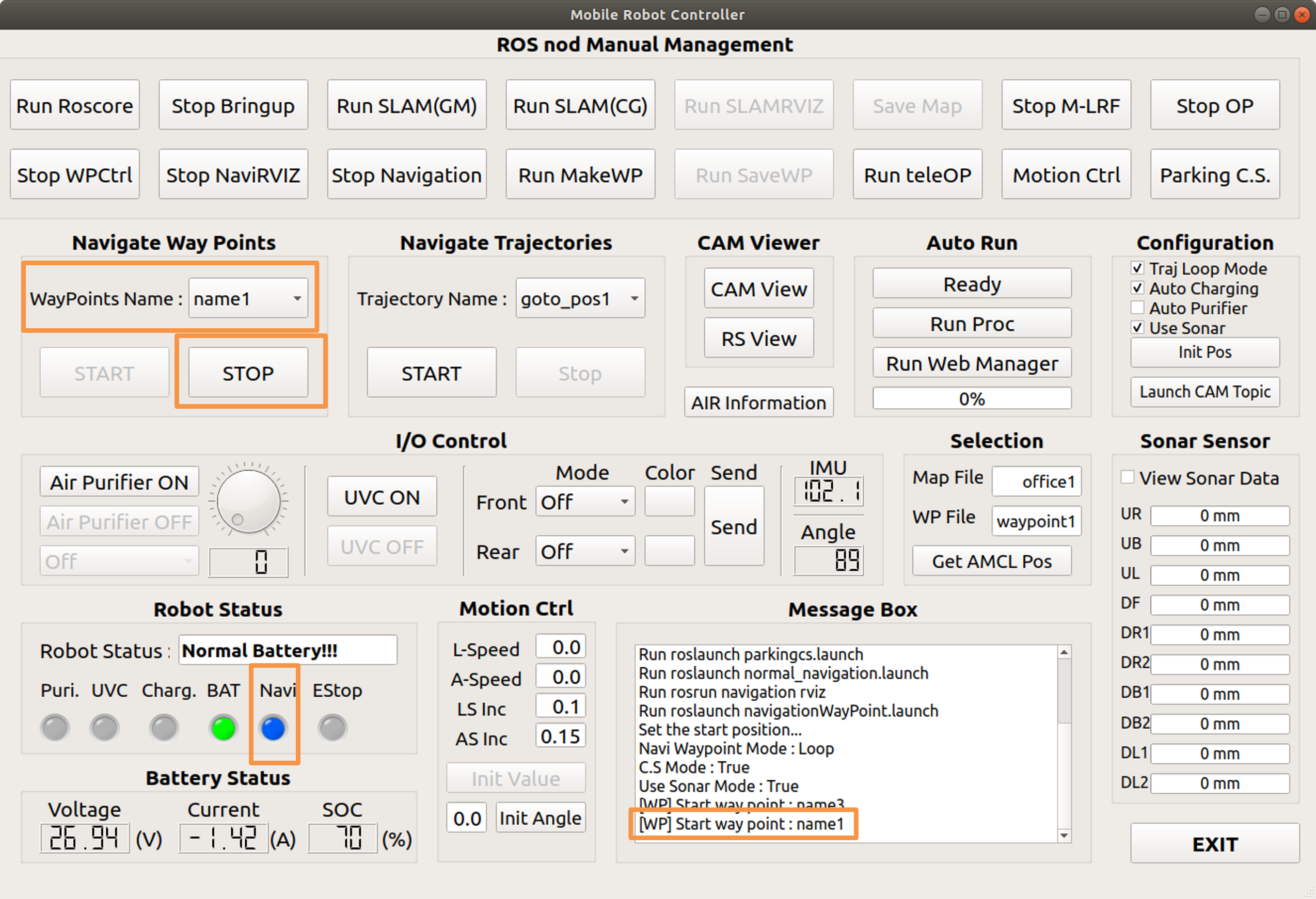
After selecting name1, press the start button.
The start button is disabled and the stop button is enabled.
It is displayed in the message box, and the LED color under the navi changes to blue.
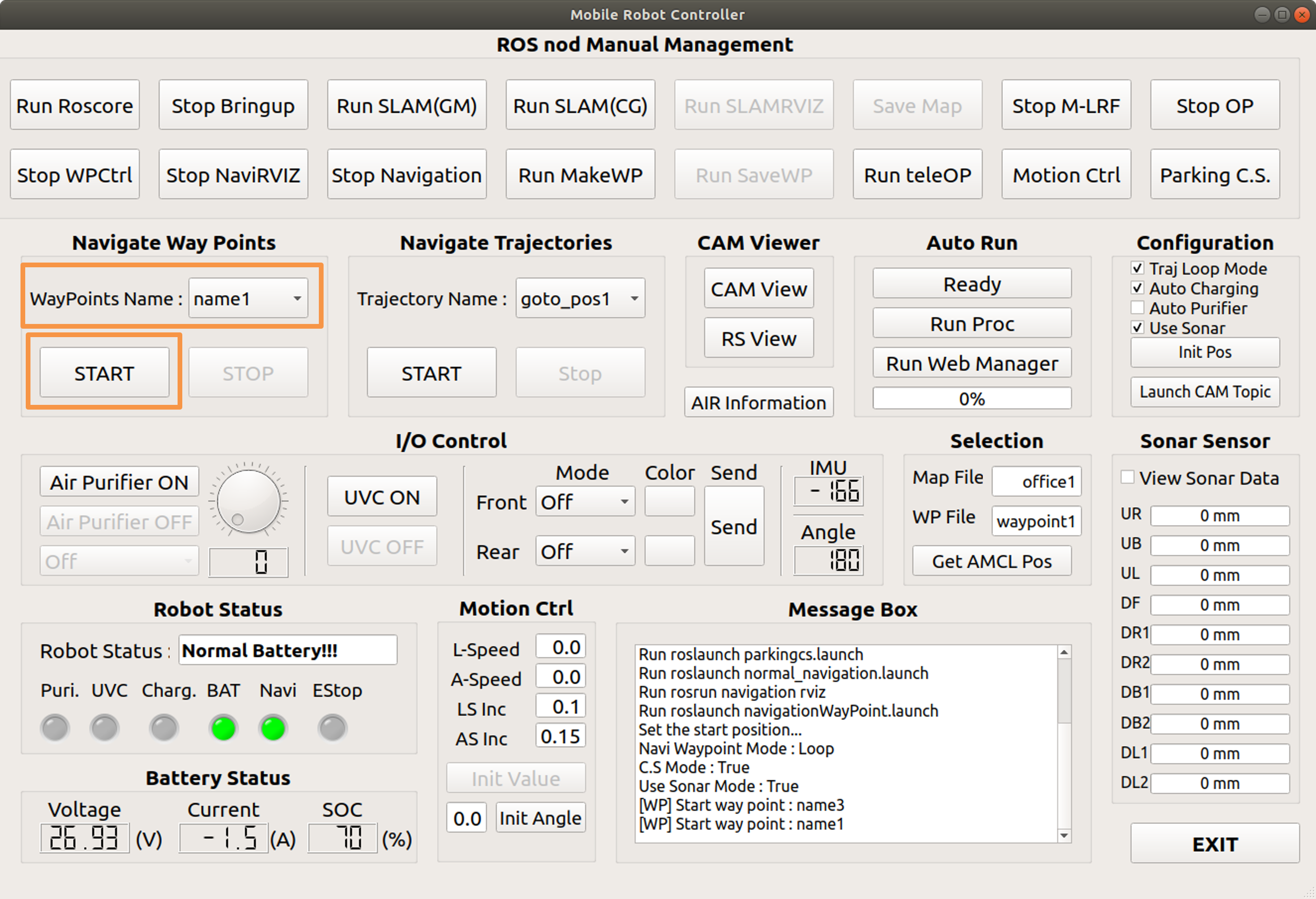
When you arrive at your destination, the start button is enabled and the stop button is disabled.
The color of the LED below the Navi will also change to green.
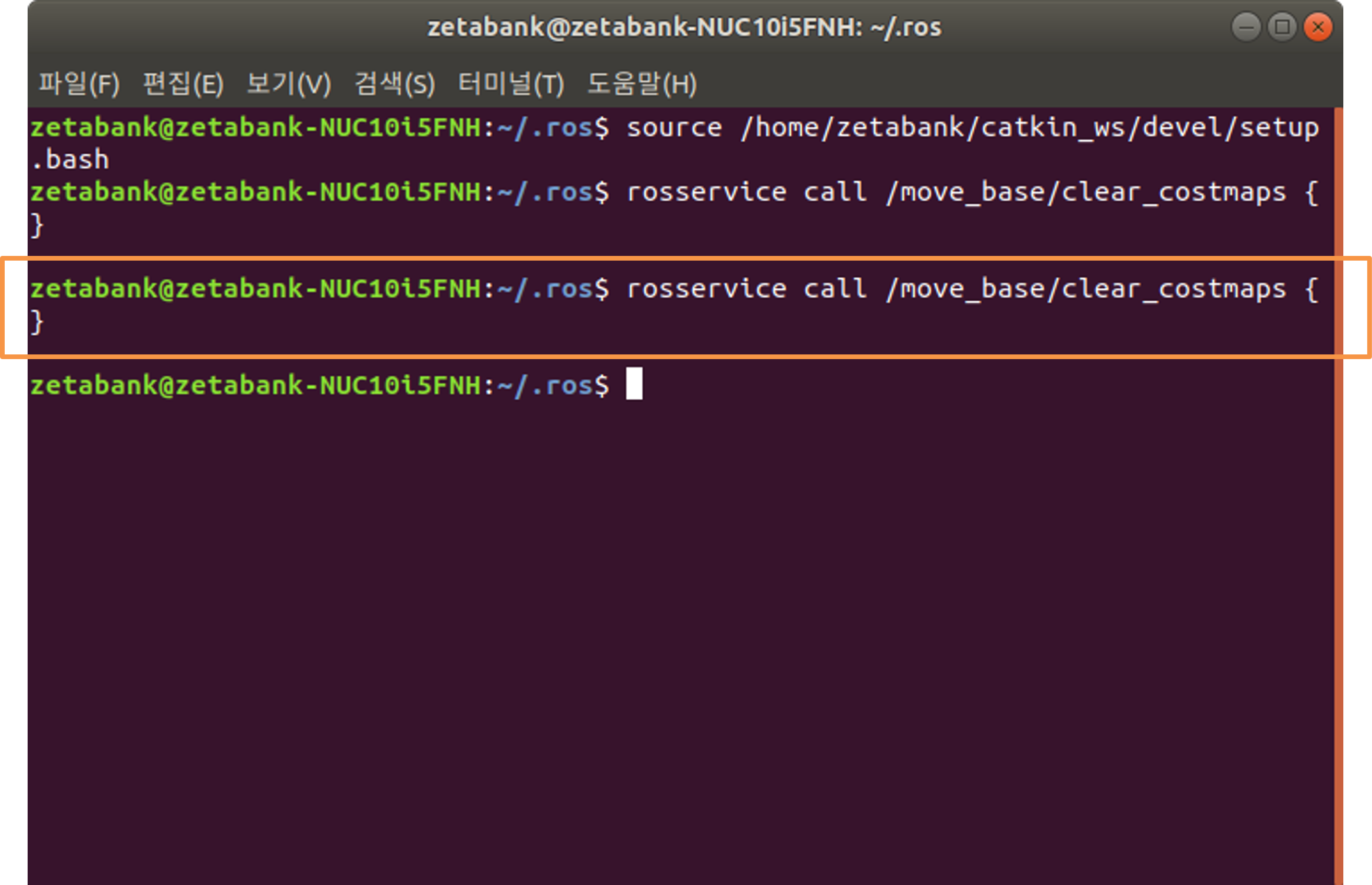
A command is automatically entered and executed in the terminal, and this command serves to clear the costmaps.
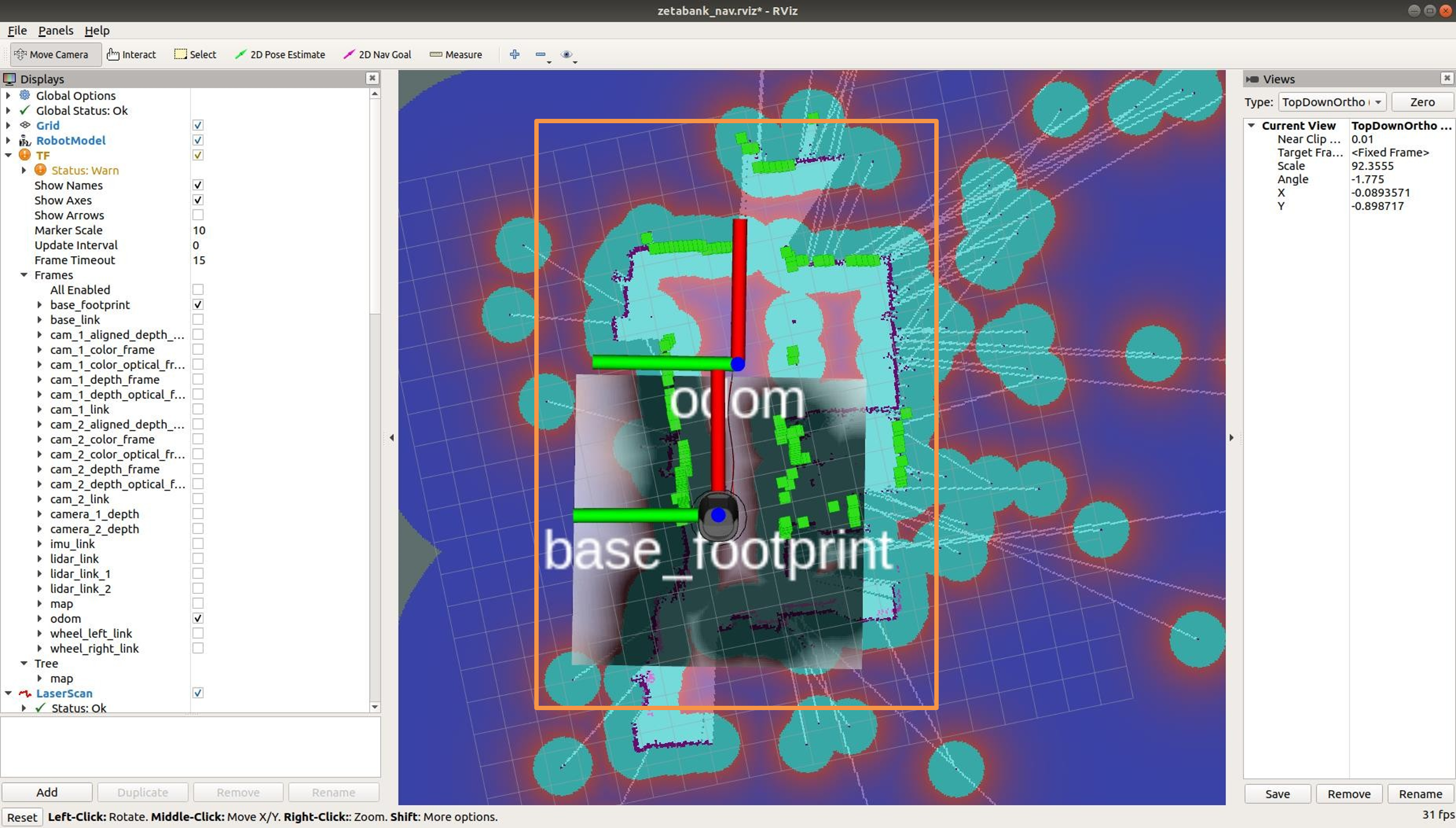
When costmap is cleared, it moves to name1 coordinates.